

One clear command
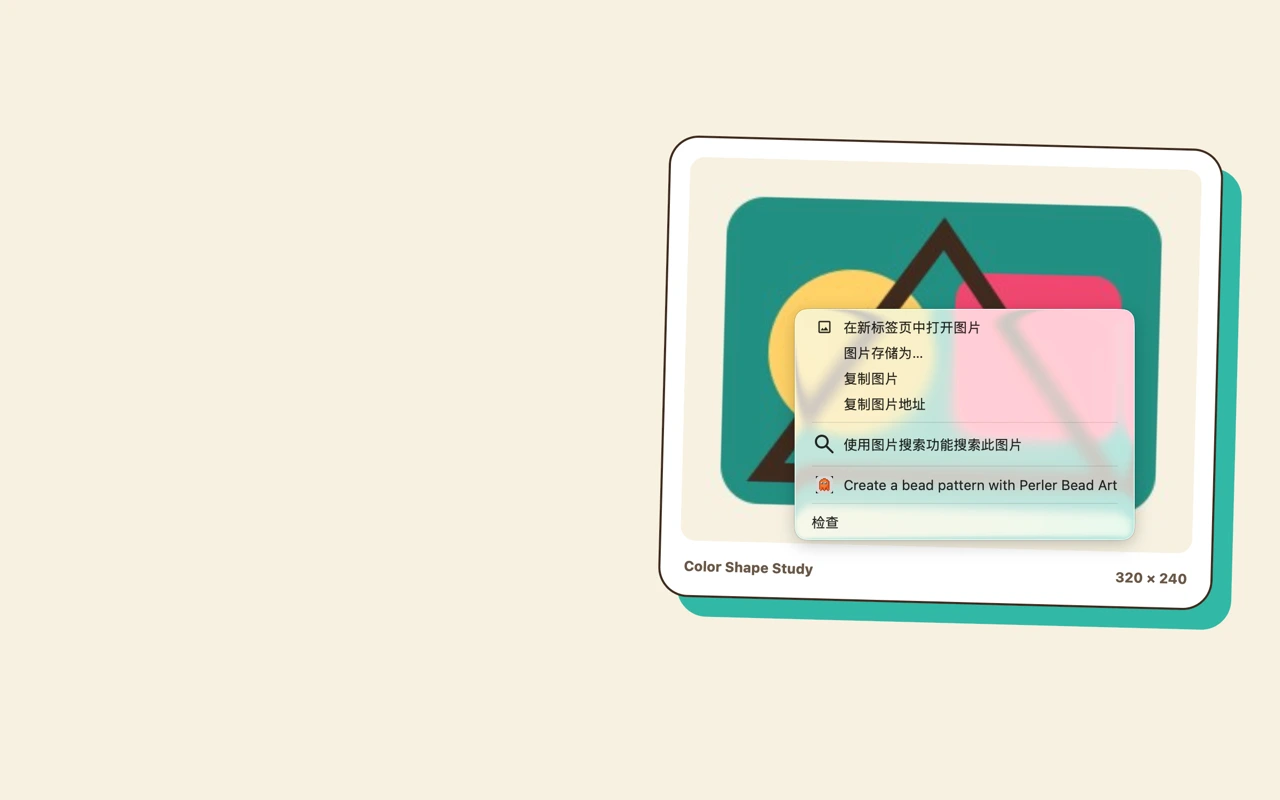
Right-click a source image and choose Pixel Beads Art instead of saving, finding and uploading it again.
Chrome extension
Extension readyChoose any useful image on the web, send it directly to Pixel Beads Art, then crop, convert and edit it in the familiar generator.
The transfer is temporary and does not use a backend image relay.
Built for the real creative task
Right-click a source image and choose Pixel Beads Art instead of saving, finding and uploading it again.
The selected image arrives in the generator ready for cropping and pattern conversion.
Import data is removed after use, rejection or expiry, and no temporary image server is involved.
How it works
The extension does one focused job and then hands the creative work back to the full generator.
Open the image context menu on a page and select the Pixel Beads Art action.
Pixel Beads Art opens the generator with the image ready for a quick crop and review.
Choose bead colors, refine the grid, and export a PNG or printable PDF.
Release information is being updated. Contact us for the latest installation options.
The extension is scoped to the image you choose. It does not request broad access to every website, and transferred image data expires after successful import, rejection or within about ten minutes.
The free web generator remains available without installing an app.